What Dash Cam Parking Mode Actually Means
Buffered, motion, or time-lapse: the feature most people pay for and never set up, explained without the jargon.
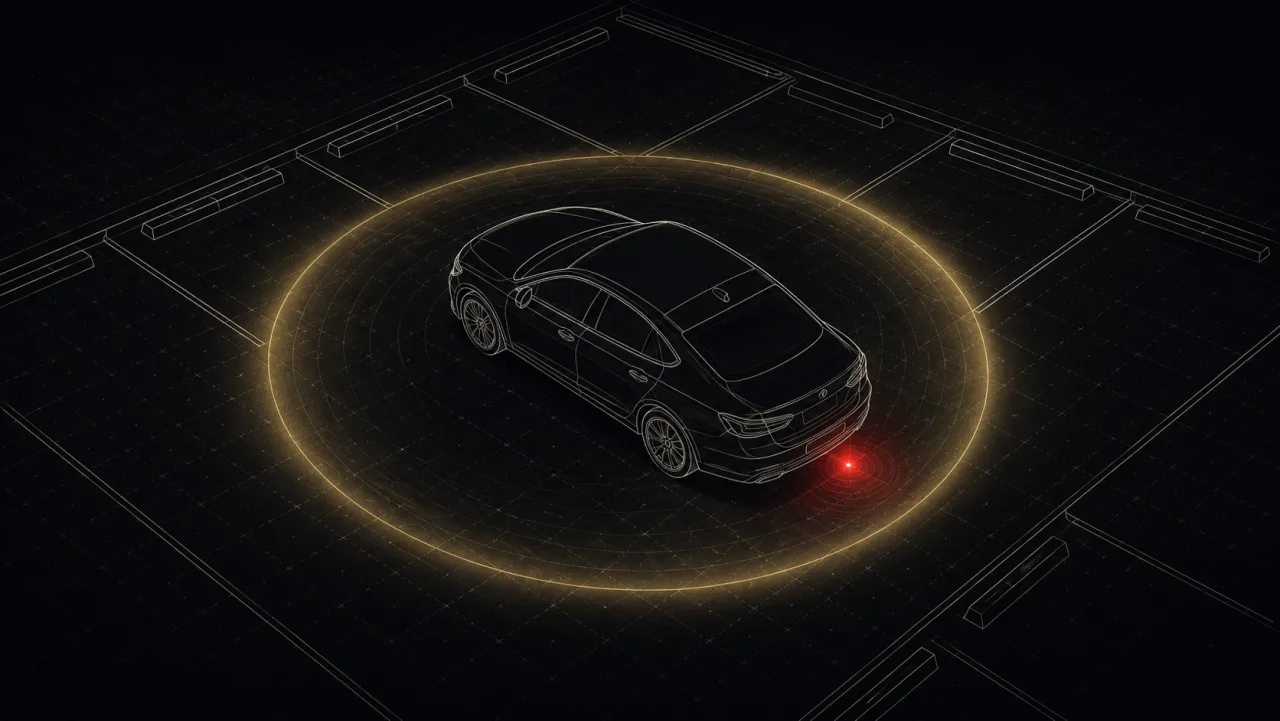
The feature people pay for and never turn on
Dash cam parking mode is one of the most misunderstood features in the category, and one of the most valuable. Here’s what it actually does: it keeps your camera watching while the car is off and you’re not there.
That’s how you catch the hit-and-run in a parking lot. The door ding from the truck two spaces over. The catalytic converter thief who works while you’re inside a grocery store.
It matters more than it used to. Hit-and-run crashes just hit a record high: roughly 15% of all crashes now involve a driver who flees (AAA Foundation, 2026). A parked car is a sitting target. Your camera is the only witness that stays on duty.
But “parking mode” isn’t one feature. It’s three different behaviors, and buying the wrong one for how you park is the most common parking-mode regret.
Buffered recording: the one most people want
Buffered parking mode keeps a short loop of video constantly rolling in memory. When something triggers the camera (a jolt, a motion), it saves those buffered seconds too.
So instead of “a car is now touching mine,” you get: the car approaching, the contact, and the plate as it drives off.
The seconds before the impact are usually what prove fault. That’s why buffered is the gold standard.
Motion and impact detection
In plain motion/impact mode, the camera sits idle and only wakes up when its sensors fire: motion in the frame, or a physical jolt from the G-sensor.
What you get: minimal storage use. What you give up: the first second of an event while the camera wakes up, and in a busy lot, a card full of clips triggered by every person who walks past. Great for a quiet driveway. Frustrating in a mall garage.
Time-lapse
Time-lapse records continuously but at a low frame rate, often one frame per second, compressing a full parking session into a small file. You don’t miss anything, but fast events look choppy.
Solid middle ground for long, all-day parks where continuous coverage matters but you don’t want to burn through the card.
Why people get false alerts (and how to fix it)
Most parking-mode frustrations trace back to G-sensor sensitivity. Set it too high and a passing truck triggers a “crash” clip. Set it too low and a real bump doesn’t register. Almost every camera lets you tune this. Start in the middle and adjust after a few days. Same goes for the motion sensitivity threshold.
The catch the box leaves out: parking mode needs power
Here’s the part that surprises almost everyone. Parking mode only works if the camera still has power after the ignition is off, and most cars cut the 12V socket the moment you turn the key.
Which means parking mode almost always requires either:
- A hardwire kit: taps the fuse box with a low-voltage cutoff so it doesn’t flatten your battery
- A dedicated battery pack: charges while you drive, powers the camera while parked
Figure that out before you count on parking mode at all:
In our catalog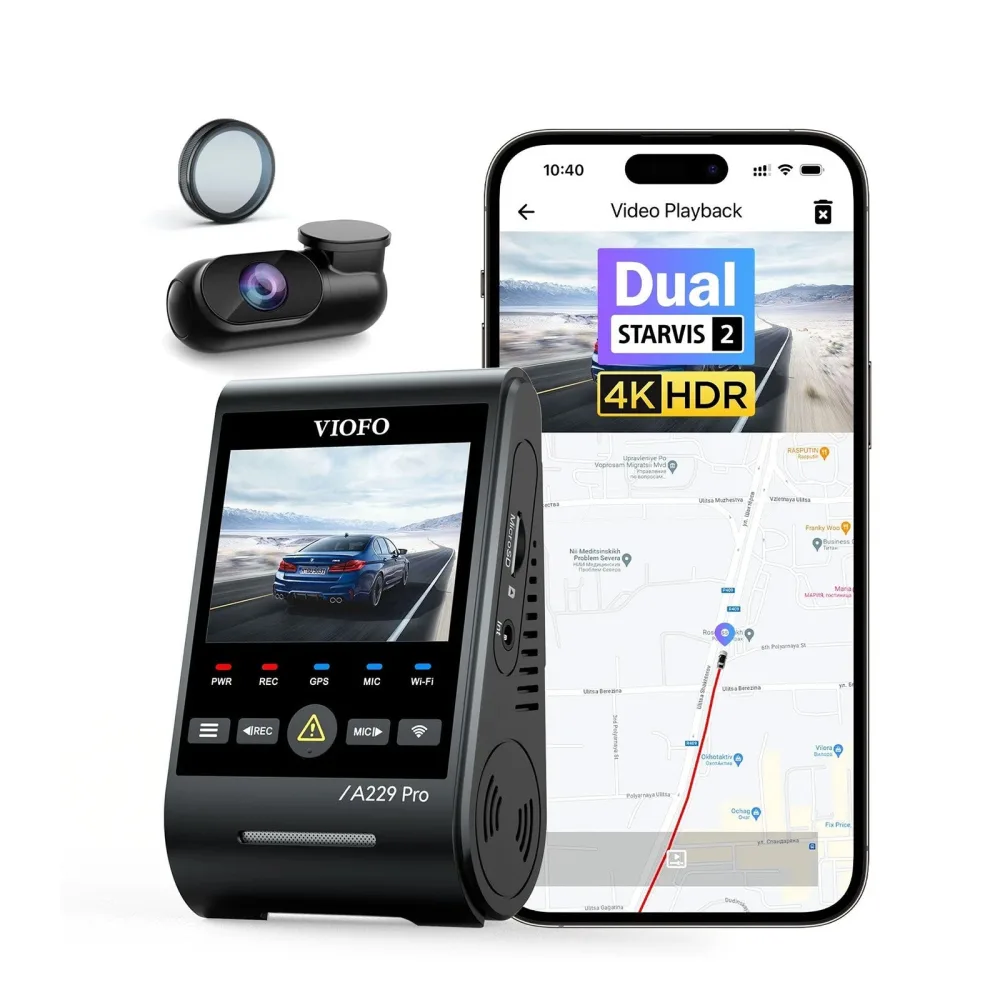 2-channel · ViofoViofo A229 Pro$219-380See price comparison →
Bottom line
If parking protection is the reason you’re buying, look for buffered parking mode, plan on a hardwire install, and tune the G-sensor once it’s in. Every model we track lists its parking-mode type and power requirements. See the catalog.
See the cams worth buying
We compare listed prices and link you straight to the lowest one, no fake urgency.