How to Install a Dash Cam in 2026: A No-Nonsense, Step-by-Step Guide
Installing a dash cam is a 30-minute job, not a mechanic's job. Here's how to mount, route, and power one yourself, plus the cams that make it easiest in 2026.
TL;DR: Installing a dash cam is a 30-minute job you can do with a plastic trim tool and a little patience. A solid short list for 2026: Viofo A229 Plus for a balance of features and value, Garmin Dash Cam Mini 3 for a simple, straightforward option, and Thinkware U3000 if you’re hardwiring for parking mode. This guide cuts the fluff: mount, route, power, done.
Before You Start: Two Decisions That Change Everything
You’ve got two choices that dictate the whole install: where to mount and how to power it.
Mounting: Behind the rearview mirror, on the passenger side. You want it out of your sight line and as high as possible. Clean the glass with isopropyl alcohol, let it dry, then stick the mount. Give the adhesive 24 hours before you trust it in summer heat.
Power: The 12V socket is the lazy route. Works fine for driving, but on most cars it stops recording when you shut the car off. Hardwiring to the fuse box (or using a dash cam battery pack) is what you need for parking mode. Many hardwire kits include low-voltage cutoffs to protect your battery. (If you’re on the fence, read hardwire kit vs cigarette lighter.)
The Install: Mount, Route, Power
The actual steps are the same for almost any cam:
- Mount the camera behind the rearview mirror, passenger side.
- Route the cable along the top of the windshield, down the A-pillar (tuck it under the trim with a plastic tool), and under the glovebox.
- Power it: into the 12V socket for a quick job, or tap a fuse slot if you’re hardwiring.
- Test it: check the angle, make sure the video is level, and format your SD card before the first drive.
Done. Now let’s talk about which cams are worth the effort.
A Flagship Option That Earns the Extra Effort
The Viofo A329S is a strong flagship option for 2026, with an install that’s straightforward for its class.
- Designed to accommodate expansion as your needs grow
- Quality front video and parking mode options
- Standard mount-and-route install; hardwire if you want 24/7 coverage
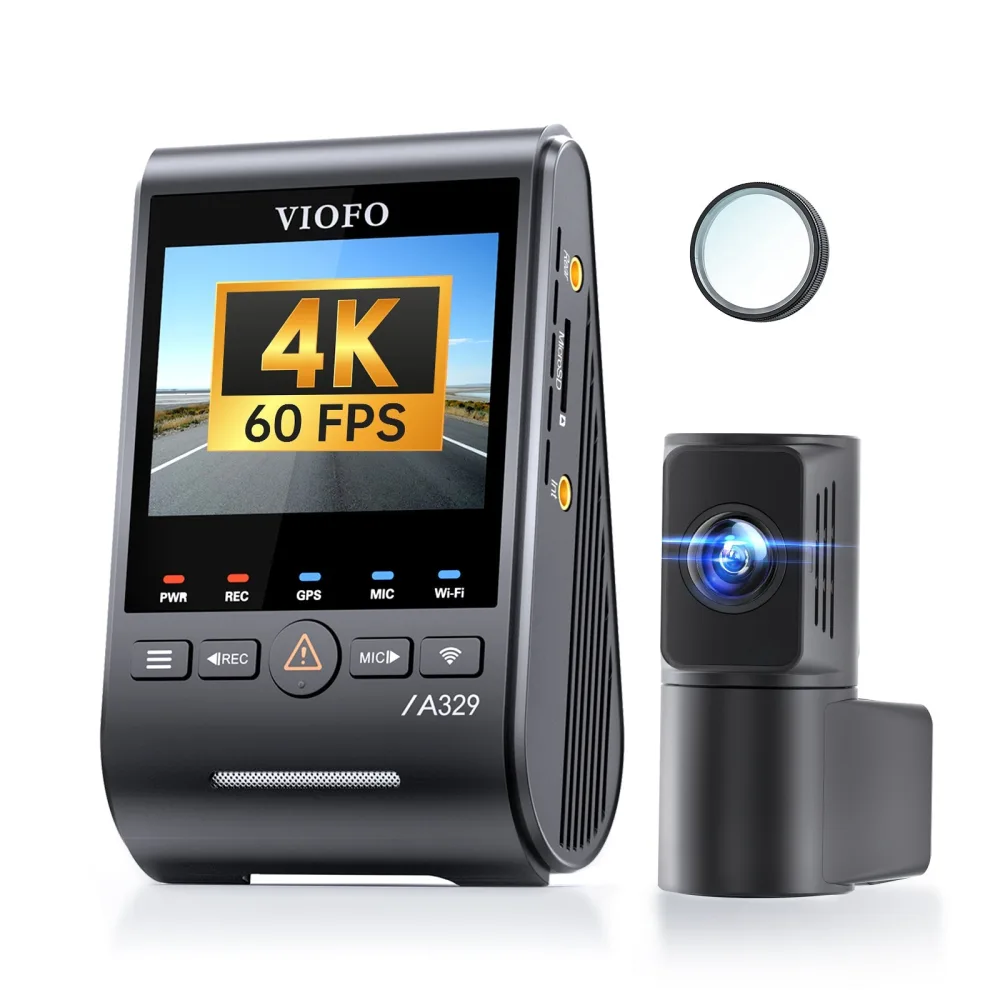 1-channel · ViofoViofo A329Saround $280See price comparison →
A Balanced 2-Channel Choice for Most Drivers
If you want front and rear coverage without flagship money, the Viofo A229 Plus is the move.
- Dual-channel recording (front + rear)
- Parking mode support
- Easy cable routing; rear cam hides along the headliner
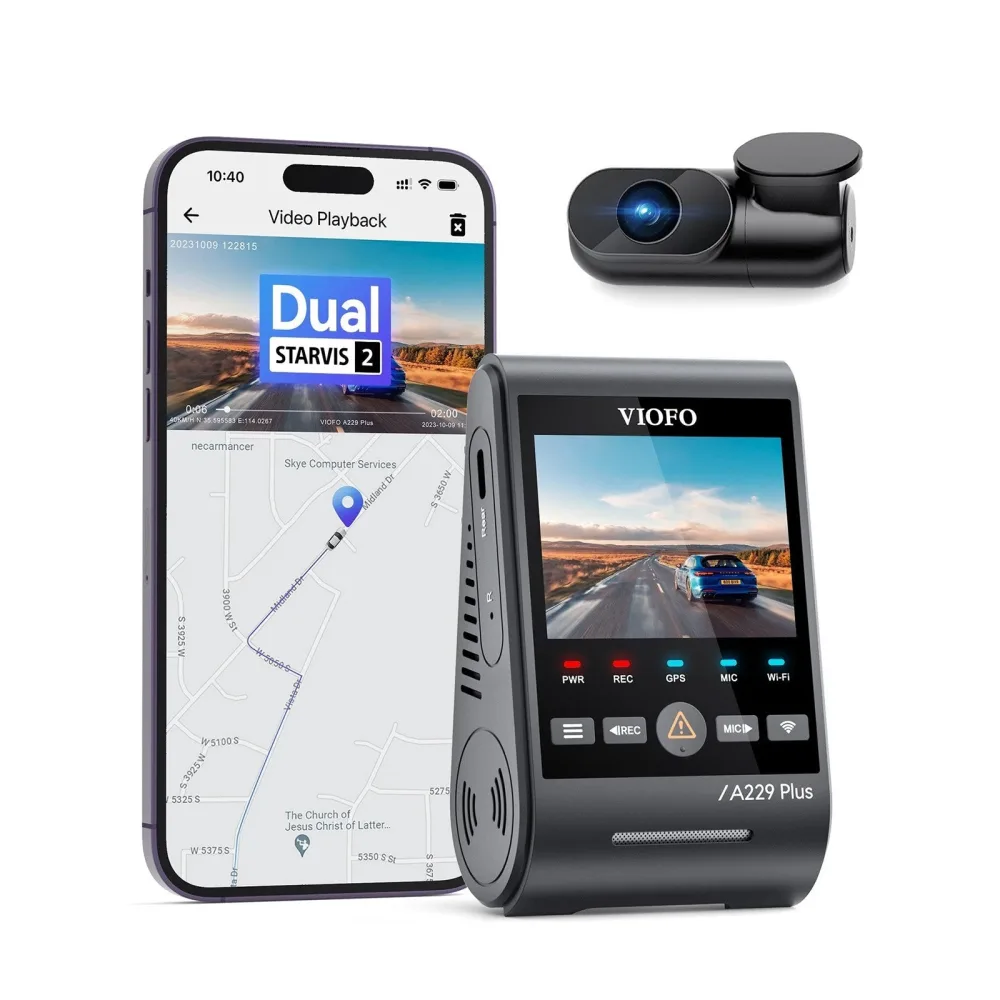 2-channel · ViofoViofo A229 Plus$159-230See price comparison →
An Ultra-Simple Install: The Stealth Plug-and-Play
Don’t want to hardwire? Prefer a discreet, no-fuss design? The Garmin Dash Cam Mini 3 is a very simple option.
- Tiny, front-only unit that tucks behind the mirror
- Powers from a 12V socket: no hardwiring required
- Compact and discreet; designed for a clean, straightforward install
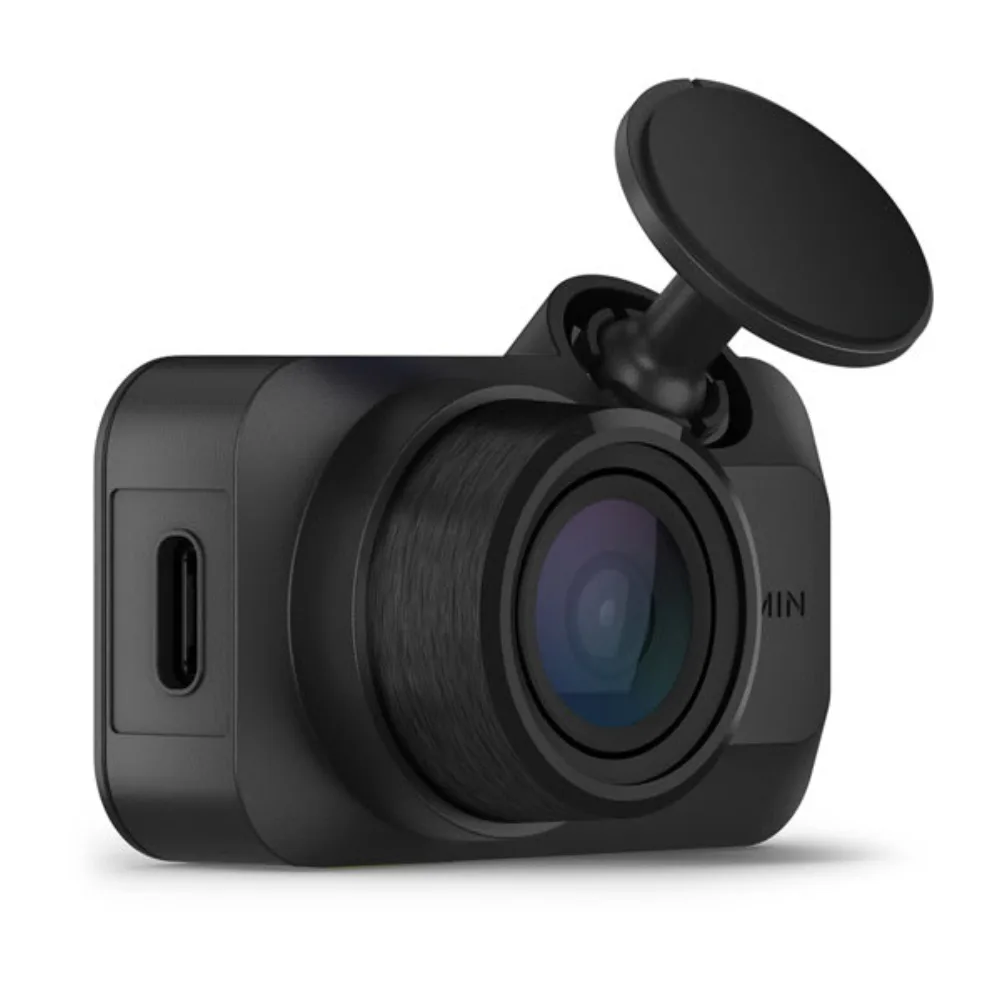 1-channel · GarminGarmin Dash Cam Mini 3around $150See price comparison →
For Parking Mode: Focused on Hardwired Protection
If your whole reason for buying a dash cam is to catch the guy who sideswipes you at 3 a.m., the Thinkware U3000 is a solid consideration.
- 2-channel with 4K front video
- Cloud features and parking mode support
- Hardwire it with a fuse-tap kit or use an external battery pack for extra safety
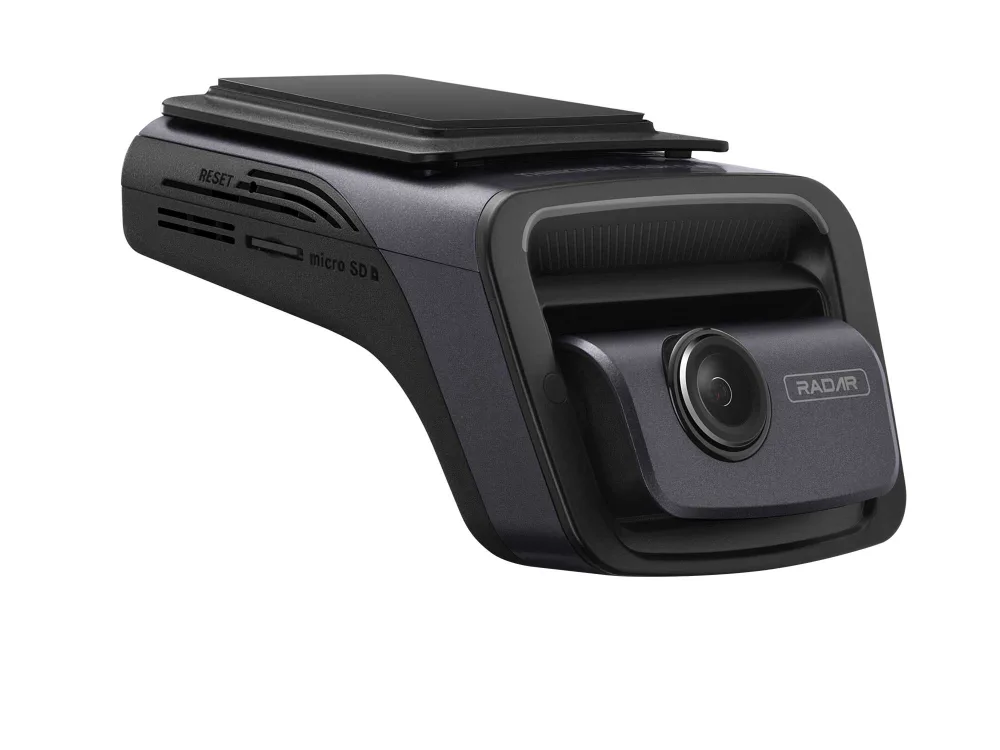 2-channel · ThinkwareThinkware U3000around $400See price comparison →
A Cloud/LTE Install: Remote View with Extra Steps
The BlackVue DR970X is a popular choice for cloud features. The install is a little more involved, but remote access is the payoff.
- 2-channel with 4K front video and cloud features
- Some remote features are available, but they may involve additional connectivity steps
- Additional setup involves connecting any required modules for full functionality
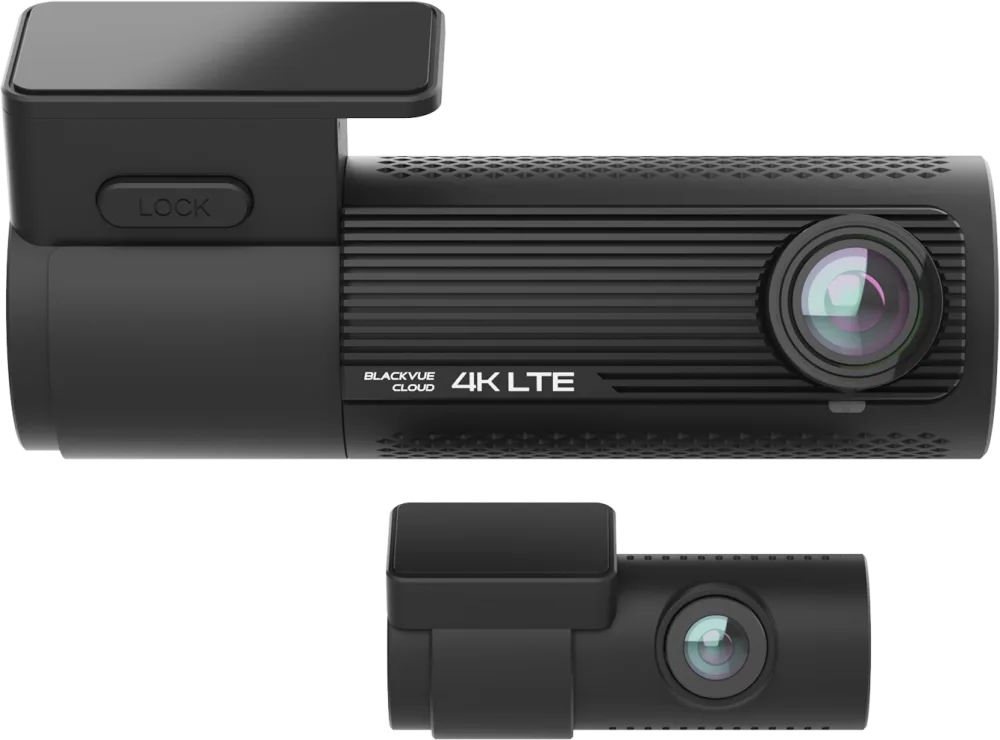 2-channel · BlackVueBlackVue DR970X-2CH$305-650See price comparison →
Rideshare Install: Full Cabin Coverage
Rideshare drivers need more than front and rear; they need the cabin covered. This 3-channel model from Vantrue is built for that.
- 3-channel design (front, rear, interior)
- Quality front video and parking mode options
- Third cable runs to the interior cam; wire-friendly layout
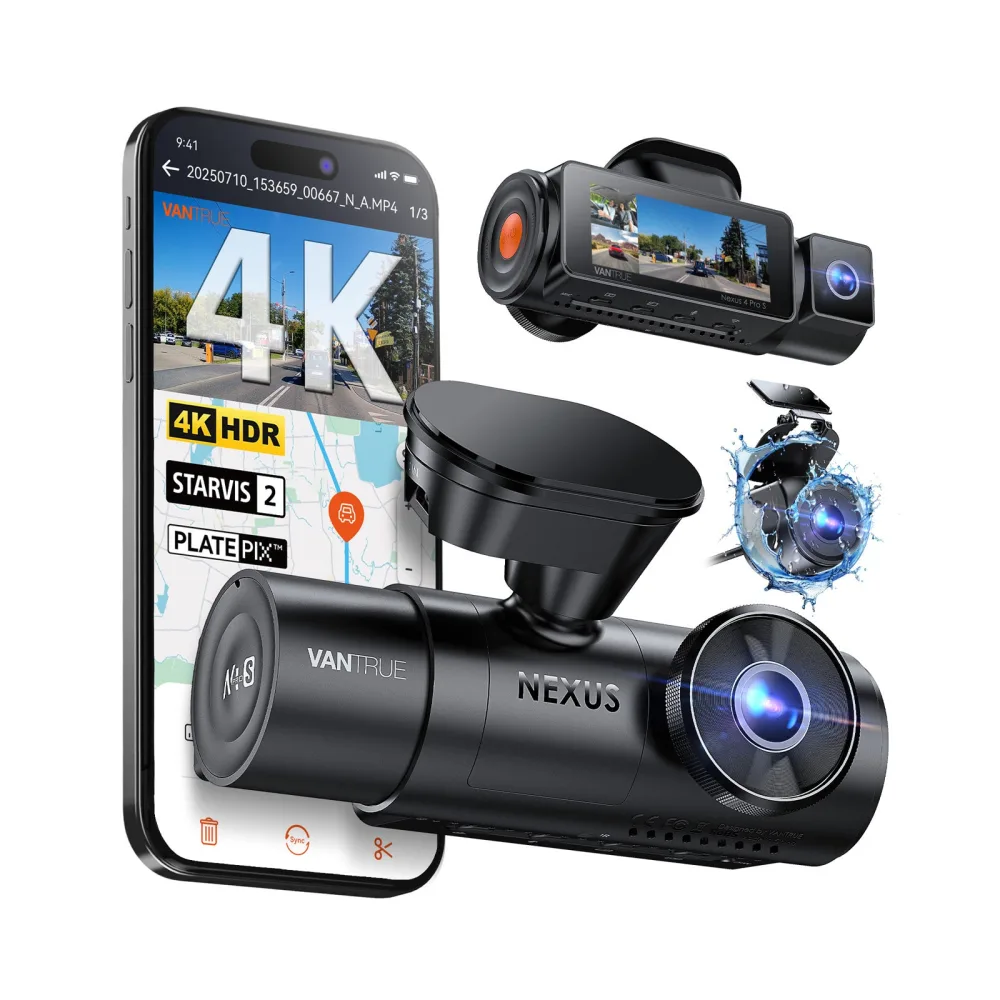 3-channel · VantrueVantrue N4 Pro S$240-280See price comparison →
Bottom Line
Here’s the deal. For most drivers, the Viofo A229 Plus hardwired for parking mode is the best balance of effort and protection. If you can’t be bothered to route cables, the Garmin Mini 3 takes ten minutes and gives you basic coverage. And if you want serious parking protection or remote view, budget an extra hour for the Thinkware U3000 or BlackVue DR970X. Mount behind the mirror, tuck the cable, test before you trust it. Done.
See the cams worth buying
We compare listed prices and link you straight to the lowest one, no fake urgency.