What SD Card Does Your Dash Cam Need?
Size and high-endurance: the two things that decide whether your footage is there when you need it.
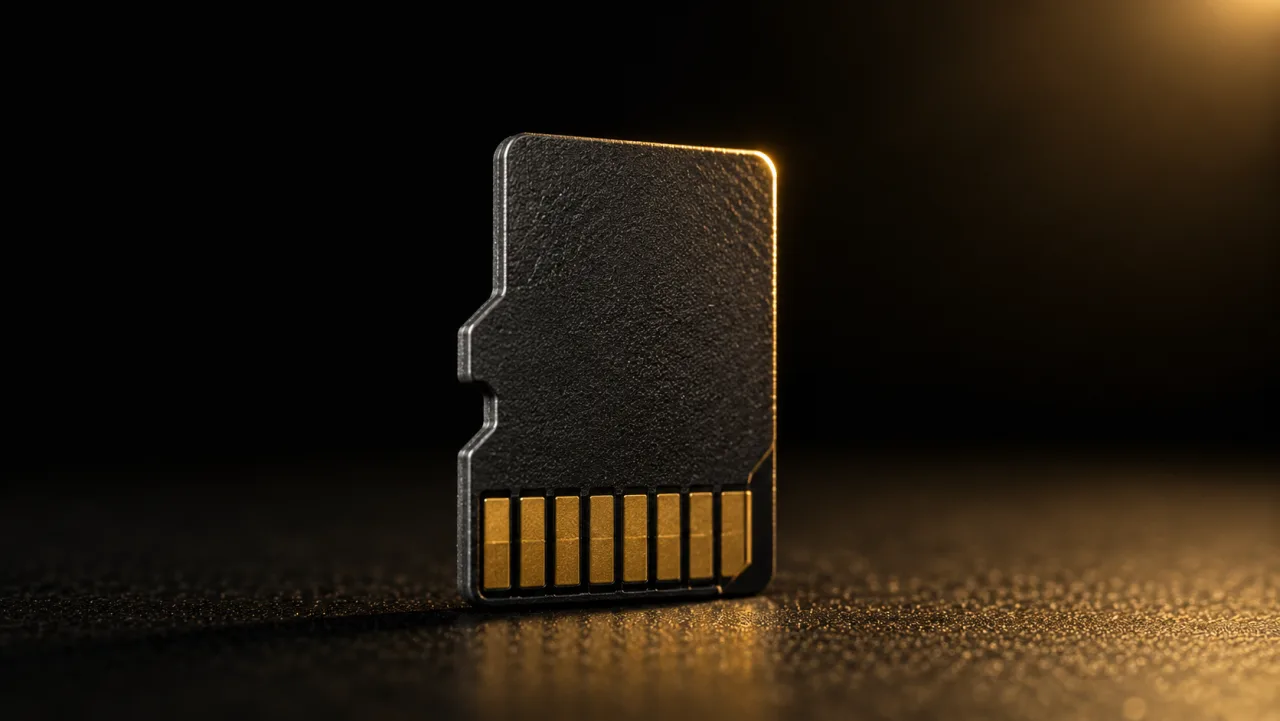
This is not an accessory decision
The SD card isn’t a nice-to-have add-on. It’s the part that determines whether your footage actually exists when you need it.
The wrong card is the number-one reason dash cams “stop working.” Your camera is only as reliable as what’s inside it, and after a crash is not the time to find out the card quietly died three weeks ago.
Two things decide whether a card is right: it has to be high-endurance, and it has to be the right size.
Why a regular microSD fails
A dash cam writes to its card constantly: looping over old footage around the clock, and writing even more in parking mode. A standard microSD, the kind designed for a phone, is built for occasional writes. Put it in a dash cam and it burns through its write cycles in months, then starts silently corrupting clips before it fully dies.
A high-endurance card (Samsung PRO Endurance, SanDisk or WD High Endurance, or your camera maker’s own branded card) is rated for exactly this duty cycle. The price difference is a few dollars. The reliability difference is the entire point of owning a dash cam.
How much capacity you actually need
Capacity is just how much recording time you get before the loop overwrites. Rough guide at typical bitrates:
- 64GB: a few hours, front-only. Fine for light, driving-only use.
- 128GB: the sweet spot for most front + rear setups.
- 256GB+: front + rear at 4K, or heavy parking-mode use where you want a full day of loop before anything is overwritten.
Hidden bonus of sizing up: a bigger card spreads constant writing across more memory cells, so each cell gets rewritten less often: the whole card lasts longer. When you’re between sizes, go bigger.
Endurance and speed aren’t the same thing
Two ratings get confused here:
- Speed class (U3, V30): how fast the card writes. Matters for 4K and multi-channel cameras pushing a lot of data.
- Endurance: how many times the card can be rewritten before it wears out. Sets lifespan in a dash cam.
You want both. But a fast card with no endurance rating will still die early. Speed without endurance is not the right card.
Watch out for counterfeits
Fake-capacity cards are everywhere on marketplaces: a card that reports 256GB but actually stores 32GB, corrupting everything written past that point. Buy from a reputable seller. If a name-brand high-endurance card looks too cheap, it usually is.
The rules that keep your footage safe
- Buy high-endurance, sized to your camera’s maximum supported capacity
- Format the card in the camera before first use, not on a computer
- Reformat in-camera every 3-4 weeks; it heads off most errors before they happen
- Treat the card as a consumable and replace it every 1-2 years
Bottom line
High-endurance. 128GB for most drivers. Formatted in-camera. Bought from a seller you trust. Get those four right and the card disappears into the background where it belongs.
We note the max supported card size on every model we track. See the catalog.
Already getting the format loop? Here’s exactly why it happens and how to stop it.
See the cams worth buying
We compare listed prices and link you straight to the lowest one, no fake urgency.